
In this blog post, we shared UI/UX Design 314005 Manual Answer for MSBTE K Scheme diploma students.
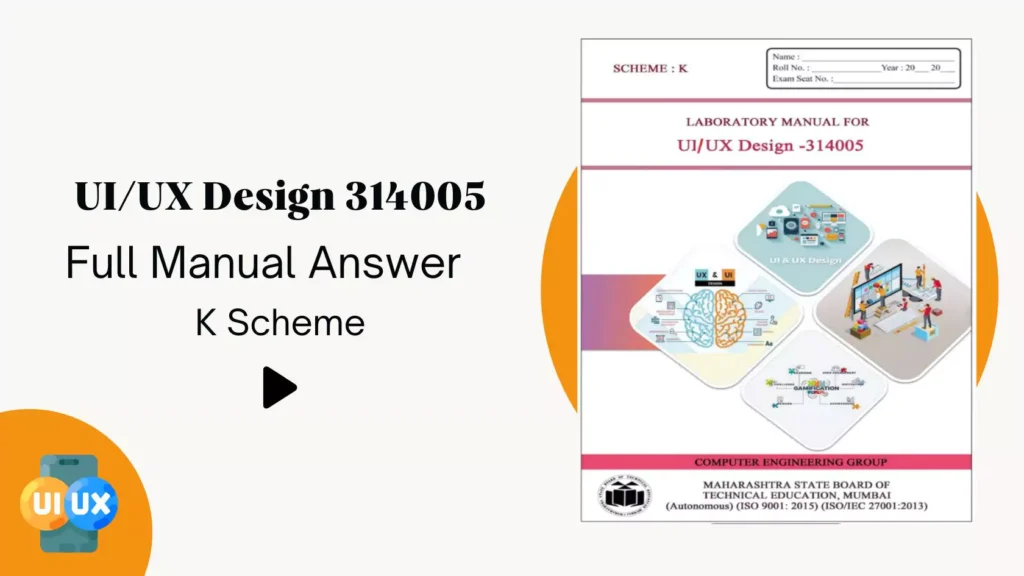
Our team members solved all practicals in this manual using Figma.
Nowadays, the user interface is crucial for apps and web applications. By solving this manual, students get basic knowledge about UI design.
UI/UX Design 314005 Manual Answer PDF
All computer engineering students must learn Figma for better job placements and add new skills to their resumes.
Free Figma course :
- Practical No. 1: Use the Design tool for user requirement collection and analysis.
- Practical No. 2: Use Design tool for user requirement collection and analysis of various interfaces such as kiosks
- Practical No. 3: Recreate a user interface using any open-source design tool (Figma).
- Practical No. 4: Create a grid system for the given screen using any design tool (Figma)
- Practical No. 5: Design a user interface using various components such as auto-layouts in the design tool(Figma).
- Practical No. 6: Use horizontal scrolling to create pages for a given website/ App
- Practical No. 7: Use vertical scrolling for a given website/ App.
- Practical No. 8: Recreate given website for UI design, color, images, interactions, menu.
- Practical No. 9: Create navigations for the given website/ App
- Practical No. 11: Create any two gamification effects for the given user interface in given scenario
- Practical No. 12: Create gamification for task completion on websites such as LMS/ retail website/ banking website.
- Practical No. 13: Create five micro animations for the given user interface in the scenario.
- Practical No. 14: Create prototyping with different interactions –tab, click, hover, delay, for the given user interface.
- Practical No. 15: Convert the created prototype into HTML page(s).
- More practicals were added soon.
Conclusion
In this post, we shared a Figma UI/UX design guide and manual answers for diploma students.


10th practical
please upload practical 10 of UI/UX design
Good