
In this blog post, we shared the full WPD 312004 manual answer for computer diploma students.
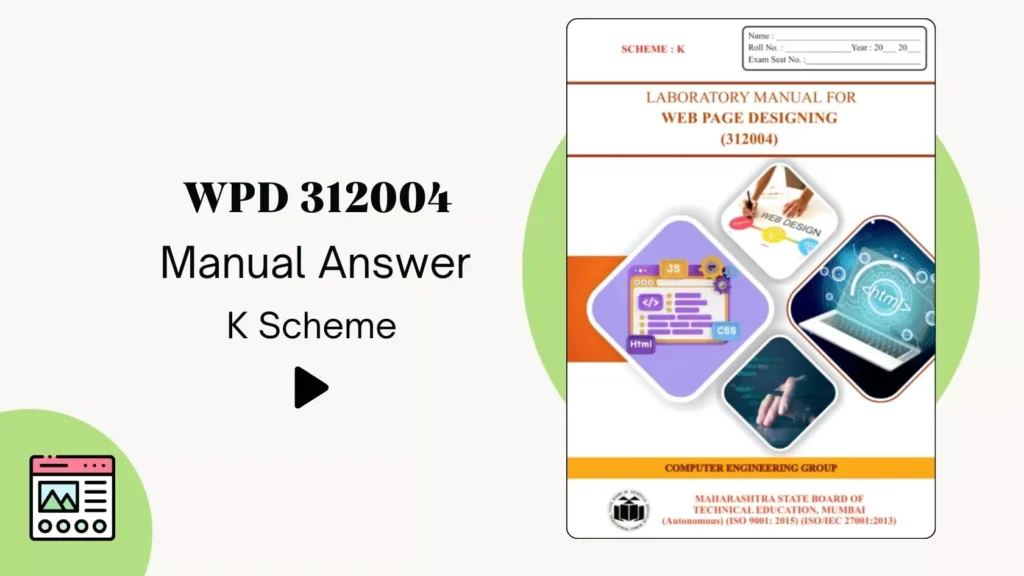
All practicals of this manual contain basic Web Page Design concepts that are essential for computer branch students.
WPD 312004 New Manual Answer PDF
| Practical No | Practical Name | Answer |
| 1 | Work with basic HTML tags | View |
| 2 | Use of heading tags in web page. | View |
| 3 | Work on paragraph in web page | View |
| 4 | Work with block level tags in web page | View |
| 5 | Work with Text level tag in web page | View |
| 6 | Implement the border properties in web page | View |
| 7 | Use of Special characters in Web Page | View |
| 8 | Work with ordered and unordered list | View |
| 9 | Create a web page using Different types of Listsin HTML | View |
| 20 | HTML Frame in web page. | View |
| 21 | Create different elements in web page. | View |
| 22 | Create CSS by applying style sheets | View |
- Practical No.10: Work on HTML web page link.
- Practical No.11: Use of links on a web page.
- Practical No.12: Use of links with images on a web page.
- Practical No.13: Use of colors of links on a web page.
- Practical No.14: Insert image on the web page foreground and background with various attributes.
- Practical No.15: Insert the image with a hyperlink and set the image width and height property of the image.
- Practical No.16: Work with different background properties on a web page.
- Practical No.17: Work on the HTML table on a web page.
- Practical No.18: Create a table within the table and insert images in tables.
- Practical No.19: Work on row and column attributes of the table.
- Practical No.23: Work on RWD (Responsive Web Design) Templates in HTML.
- Practical No.24: Hosting of the website on an open-source platform.
Other Publication WPD 312004 manual answer:
- Full Manual
Also, the next practical is about creating a portfolio website, which is very important for students to make their online portfolio website.


Please provide EMC second sem manual e and tc